TwinClips AI Review
7 Things to Know Before You Pay 67 Dollars
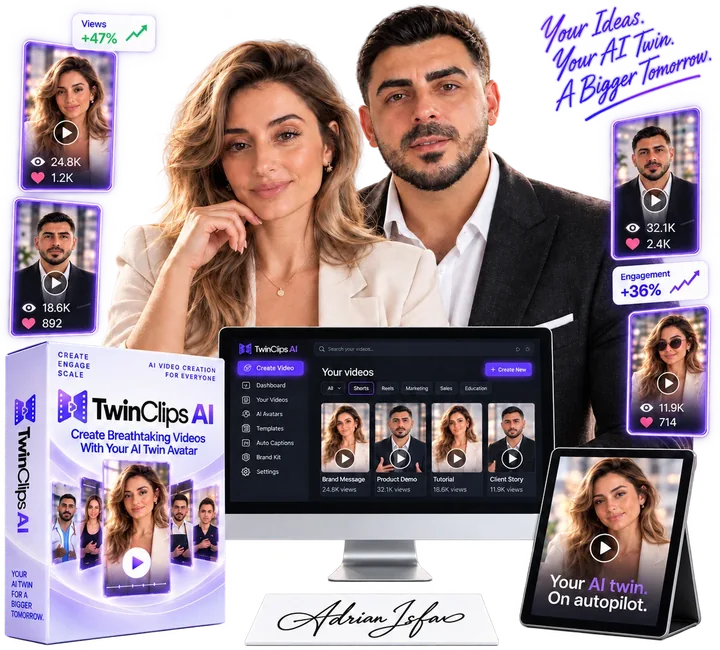
Most people know they should be posting video content. Most people hate to shoot it, too. The lights . The redos . The awkward delivery . An hour of editing for thirty seconds of content . That’s the gap that TwinClips AI aims to fill.
The promise is plain. Upload a photo, record 30 seconds of your voice and an AI twin of you will deliver any script you type. Ready for TikTok, Reels and Shorts. No camera, no studio, no editing schedule. 67 dollars, one-time payment, no subscription.
Adrian Isfan, the creator behind CallFluent AI, Creativio AI, and AdGenius AI, has been selling software for a long time and knows how to build a product and how to sell one, and both skills are on full display in TwinClips AI.
In this TwinClips AI review I run through the complete pricing funnel, what the tool really does, what my own test clips looked like, the claims that hold up and the claims that do not, and if 67 dollars is a wise spend for you. Let’s start with the money, because that’s where most buyers get lost.
TwinClips AI Pricing & Upsells: The Complete Funnel
Any honest TwinClips AI review has to start by looking at the funnel, because the 67 dollar headline is just the first of several buying decisions.
Front End: TwinClips AI Founder's License, $67 one-time fee
This is the primary product. You get one personal AI twin from a photo, voice cloning from a thirty second sample, script to video, three video styles (Studio, Cinematic and AI Scenes), AI hooks and script ideas, link to video, ready made templates, AI storyboards and B-roll, over thirty studio backgrounds, a built-in editor, auto captions, HD vertical export, fifteen video languages, commercial use rights, training and support. It comes with 500 video credits that never expire. The sales page links it to a normal price of 159 dollars. 60-day money back guaranty.
Order Bump One Time $37 Twin Pack
Available on checkout page . It adds three more AI twins to your account, so you can create presenters beyond your own likeness, for example for clients, a business partner, or different content personas.
Order Bump 2: Premium Caption Styles, $27 One Time
Also available at checkout. It adds more options for designing captions beyond the standard automated captions. Not required to make videos, but useful if you want to match a particular short-form look.
Upsell: TwinClips AI Pro, 127, one time
See right after you buy. Pro adds unlimited AI avatars, at least 1,200 extra credits, outfit changes, stylized avatar looks (3D, anime, Gothic, game character, pixel art, blueprint and a “Disney-inspired” style), cinematic effects, priority rendering described as up to five times faster, and VIP support. It also includes three small text resources, a 30 day content planner, short form hook kit and 30 second script framework. Pro credits never replenish and expire after 12 months.
Downsell: TwinClips AI Pro 77 dollars
If you click no thanks on Pro, you’ll be given a last chance offer with the same Pro package for $77. Same features, 50 bucks off.
Top up credit
Pro page states that optional credit top-ups are sold separately. They are not part of the main funnel, but they exist, and matter later in this review.
Purchase Path 1: Front end + single upgrades
This is marketing TwinClips AI. You buy the 67 dollar front end, pick each order bump at checkout, then pick Pro or the downsell. So the realistic totals are
Front end only $67
Front end + Pro downsell: $144
Front end + Pro: 194 dollars
All at retail: 258 dollars
Buy Path 2: Packaged Deal
TwinClips AI does not have a bundle deal. Unlike most launches, there is no one package you can buy that skips the front end and includes all upgrades. Each upgrade is bought separately so you can only get the full set of features via Path 1.
One buying tip before we continue. The Twin Pack bump is available before you see Pro. Pro is unlimited avatars. If you think you might take Pro then skip the Twin Pack or you pay 37 bucks for something that Pro makes redundant.
What is TwinClips.AI?
TwinClips AI is an AI avatar video creator for short-form social content, based in the browser. Rather than filming yourself, you create a digital you once, and then you type out what you want to say to make new videos.
The audience is vast: coaches, consultants, real estate agents, dentists, med spas, fitness coaches, e-commerce brands, agencies and content creators. The common thread is people who need regular video but don't want to be on camera all the time.
Videos can be 5, 10, 15, 30 or 60 seconds long and exported in a vertical format for TikTok, Instagram Reels and YouTube Shorts.
How TwinClips AI operates
It’s really simple and it’s a three step workflow.
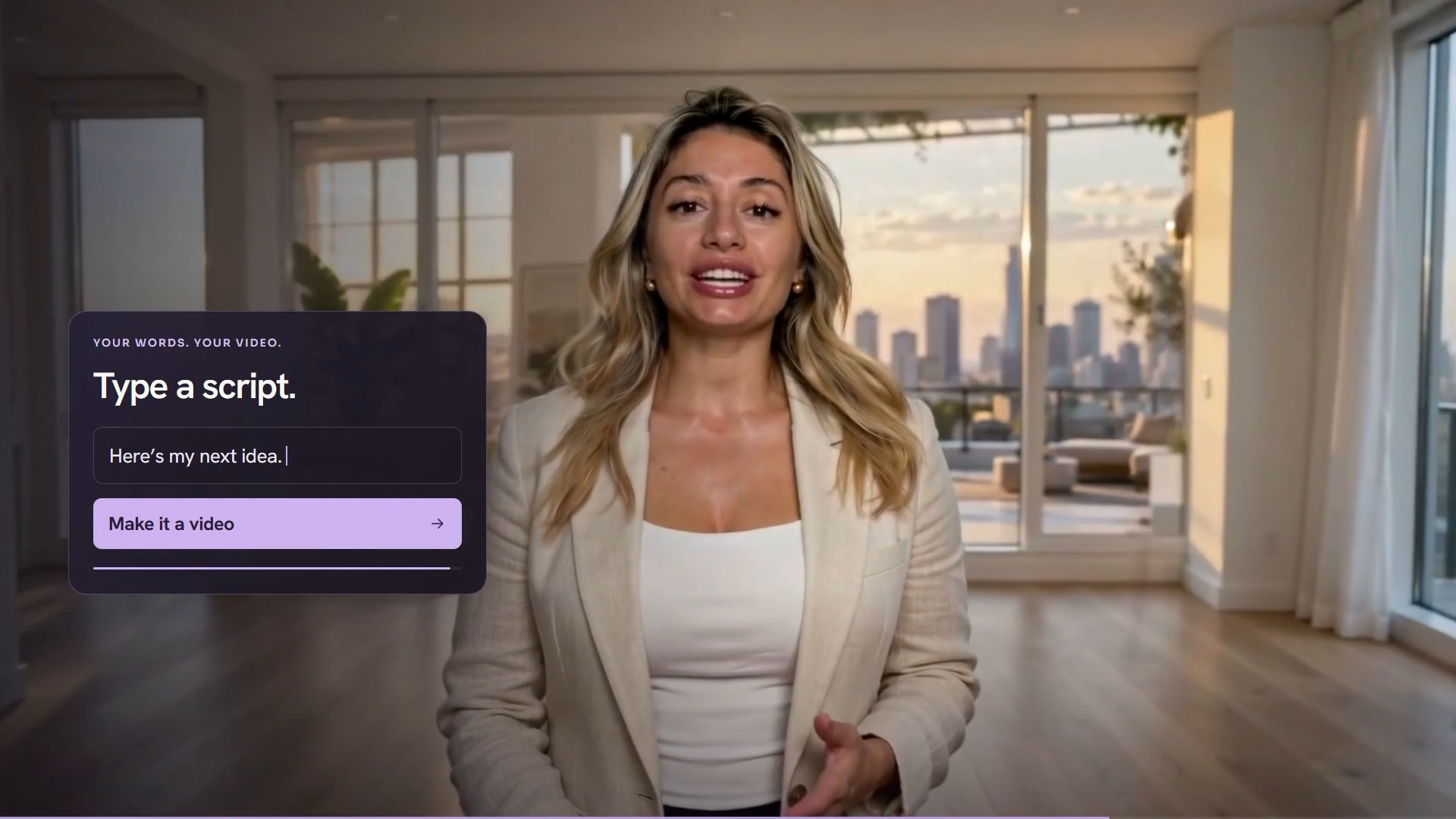
Step 1. Upload a picture. One well-lit, front-facing selfie. Or if you don’t want to use your own face, you can pick a ready-made AI avatar.
Step 2. Record yourself. Speak naturally for about 30 seconds in your browser. TwinClips uses that sample to clone your voice for all your future videos. You can also pick from the built-in voices.
Step 3 . Create and type your script. Paste a script, use the AI writer, or start from a template. Pick a style and length, generate, preview the output, and then download.
Once you have your twin, every new video is a new message, not a new shoot. That is the true value proposition and it holds up.
What My Test Clips Really Showed
For this TwinClips AI review, I tested two 10-second clips: one of a fitness coach in a gym, and another of a med-spa practitioner in a clinic. This is what we saw.
The visual quality is pretty impressive. Lighting, depth of field and sets look like the real shoots. The speakers move naturally, change their posture and in the opening shot they hold the camera as a real selfie. This is not a frozen face with a moving mouth pasted over the stock background. For the price it is better than I expected.
The structure of both clips was the same. Handheld selfie opening, then object covers lens as transition (a towel in the gym, a cotton pad in the clinic), then polished studio scene with outfit change, then tagline on screen. It’s a sleek format. It will be repetitive if used everyday, unless other templates break the pattern.
On the screen the text shimmered. The med-spa clip ended with a line that read “CONTENT PEL FOR CURTAZE.” The line above it was spelled right. The video model pulls that text into the scene, so you can’t just fix the typo. You regenerate which is more credits.
The face moved from scene to scene. It was obvious the fitness coach was the same person all along. The med-spa presenter didn’t quite. Her studio version had a thinner face and more arched eyebrows, looking more like a beautified lookalike than the same person. That matters when the whole pitch is your twin.
Neither clip had spoken captions, though automatic captions were listed as included. If you suspect they're on, check your caption settings first.
Finally, a 10 second clip is not 10 seconds of message. That transition and the closing tagline took almost two seconds, which left about eight seconds for the actual script.
The conclusion is clear. It may look great, but you have to watch each clip all the way through before you post it.
The Credit Reality of “Post Daily”
This is the most important part of this TwinClips AI review.
The sales page talks about a twin that will post every day for you while you run your business, never needing to be on camera again, lifetime access. The FAQ says something else. The included 500 credits are enough for up to 90 videos of 15 seconds each. Credits are charged per video length, so that’s about 22 minutes of total video.
Put that into practical terms. 15-second videos run for about three months to make a day’s worth. One 30-second video a day for some six weeks. One 60 second video a day will last about three weeks. And that’s before you regenerate glitched clips.
Lifetime access is a real thing. But that is access to the software. Not unlimited output. Then you top up when the credits are gone. So technically "no subscription" is correct. The recurring cost just switches from a monthly plan to credit packs.
Fair counterpoint: base credits always expire. If you post a few short videos a week, $67 goes a long way and that’s a good deal compared to paying for a monthly avatar plan you hardly use.
How about Pro? The stylized looks are the headline features, but anime, Gothic and pixel art aren't what a dentist or realtor needs. The real value in Pro is the extra 1,200 credits, or about 54 minutes of video extra by the same math. These credits are valid for 12 months. Seen that way, the 77 dollar downsell is a fair price for Pro.
Claims That Don't Hold Water
Here’s the part of my TwinClips AI review where the sales page and product don’t match.
The sales page says there are 9,000 creators and businesses and a 4.8 out of 5 from more than 1,000 reviews. The product is less than three months old and no review platform is named and I could not find anything independent that supports those numbers. Consider them marketing, not evidence.
The Pro page opens with the headline: 83% of TwinClips clients got ten times the video views after upgrading. No sample size. No time frame. No method. Your content and distribution is what matters for your views, not whether your avatar can turn into a pixel-art character. The weakest claim in the funnel.
The comparison table shows 67 dollars for twelve months of HeyGen and Creatify. Those plans refill your allowance month by month. TwinClips provides you with a fixed pool. The result could easily flip every minute of finished video. Some of the features listed as missing from competitors are dubious too. Credit the table for admitting that the Arcads figure is an estimate.
The three testimonials use the same stock avatar images as the demo graphics of the site. They may be based on real feedback but they read as illustrative.
The founder price is shown as expiring at the end of the launch window, and the Pro page promises availability to the first five customers. I wouldn't let either of them pressure you into a decision."
The question of AI transparency
The FAQ question is “Won’t people know it’s AI?” and the answer links to the demo. One testimonial is from a business partner who thought the video was actually shot.
Watch out here. YouTube, TikTok and Meta all require labeling of realistic content created by AI, and these clips are realistic enough to fall under those rules. When posting, use the AI disclosure option on the platform. It’s great for your account and being up front about an AI twin doesn’t have to hurt trust with your audience.
Is the Vendor Here to Stay?
If a product is marketed as lifetime access, this question is as important as the features.
Good news, Adrian Isfan's earlier products are still going. CallFluent AI was released in early 2025 and is still sold. 2026 saw Creativio AI upgraded to 2.0 I didn't see any reports of his apps being removed.
The pattern worth knowing: new development is typically a 2.0 product that’s relaunched, vendor sites are moving to monthly pricing. For example, CallFluent has its own pricing pages for monthly plans and paid add-ons. I could not verify if the 2.0 features were free for original buyers.
Then there’s the cost structure. My tests proved that TwinClips builds entire scenes, with camera moves, sets and wardrobe changes. It costs a lot to run it per second but buyers pay once. Watch for pressure on top-up pricing or credit limits over time.
My honest opinion: TwinClips AI is very likely going to be around still in two years, but the lifetime is likely lifetime access to this version, not lifetime access to every future upgrade.
Advantages and disadvantages
Advantages
The visuals are really nice, with natural gestures and believable sets
The 3 step workflow is so simple that anybody can use it even if they are a complete novice.
Core product one-time price, no recurring fee
Base credits never expire
Commercial use allowed
The vendor freely admits that unlimited avatars is not unlimited videos
60 day money back guaranty so you can test properly
Vendor has a track record of keeping products running
Cons
22 minutes of total video in terms of “post daily” and “lifetime” marketing
Screen text glitches and you need to regenerate to fix it
Face can transition between scenes
template structure can get repetitive with daily use over time
Captions were listed, but did not appear in my tests
Claims of 9,000 users and 10x views are unproven
The competitor plans refill monthly and this is not taken into consideration in the comparison table
Pro credits valid for 12 months
No bundle deal, Twin Pack bump is redundant if you take Pro
Tips for Real Results
Take your own real selfie during the refund window. That's the only fair way to test whether your twin is like you.
Begin with 15 or 30 second videos. They also extend your credits and suit short form platforms.
Watch each clip all the way through before posting. Read the text on the screen, the face in every scene and the captions.
Write your own scripts or edit the AI drafts heavily. You’re the one that makes the video worth watching, not the avatar.
Mix templates and styles so your feed doesn’t get into a routine of using the same structure every day.
Turn on AI content disclosure when you upload.
Check how many credits each video uses in your first week and then figure out if you need Pro or top-ups.
FAQ's
Is TwinClips AI a subscription service?
No. The main product is a one-time payment of $67. When you run out of credits, extra credits are sold separately.
Do I have to get the upgrades?
To not begin. The front end does what most users want. If you burn credits or need multiple avatars, look at Pro. Ideally at 77 dollars.
Any bundle deals?
No. Each upgrade is sold separately.
Yes, it is usable for beginners.
“Yes. If you can type an email, you can make a video. The problem is to write scripts that are worth watching.
"But what if I don't like my twin?
It comes with a 60-day money back guaranty. Try your own photo early so you can decide well within that window.
Conclusion
And here’s the TL;DR to wrap this TwinClips AI review up.
TwinClips AI is a truly capable tool marketed with bigger promises than its credit allowance can fulfill. The quality of the video impressed me. The workflow is super easy. The price is fair for what you get day one.
The difference is scale. Posting daily, never filming again and lifetime access all sound unlimited and the product is not. You get a set amount of video, then you pay again. Add the unsupported user numbers, the 10x views claim and the occasional text glitch, and you have a good tool with marketing that oversells it.
I would recommend it if you are posting a few short videos a week, hate being on camera, and are okay with reviewing each clip before posting. The 67 dollar front end is a reasonable buy, and the 60 day guaranty keeps your risk low. If you are thinking of Pro, forget the Twin Pack, and just get Pro at 77 dollars when you know you need more credits.
If you are buying because you want a twin that posts everyday for years on a single payment this is not that product. Treat it like a video studio with a fixed budget and a fair price, because that's what it is.
I hope this TwinClips AI review helps you make the right choice!

✅ Studio, Cinematic and AI Scene styles with 30+ backgrounds
✅ AI script writer, templates and automatic captions
✅ 500 video credits included that never expire
✅ Commercial use rights — make videos for clients too
🎁 VISIT MY BONUS PAGE 🎯
Comments
Join the discussionNo comments yet. Be the first to comment.