Present 3D Review
5 Upgrades, 2 Ways to Buy, and What You Really Get
Present 3D Review - The Brief Information
- Product: Present3D
- Vendors: Dr Amit Pareek, Atul Pareek
- Launch: November 27, 2026 at 11:00 AM ET, launch period until December 2, 2026 at 11:59 PM ET
- Front-end price: $37 one time ($10 off using coupon BLACK10)
- Bundle Deal: $367 one time payment (save $100 with coupon BLACK100)
- Platform: cloud-based, runs in browser on desktop, tablet and mobile apps.
- Warranty: 30-day money-back guarantee. Submit request via support ticket
- Support: Oppyo help desk on support.oppyo.com and support@oppyo.com
Present 3D Upsell & Pricing Funnel
The program offers follows the standard format of a cheap front end product and then one-time-offer upgrades on JVZoo. There are two different paths through the funnel, and the path you choose determines what you pay and what you see after checkout.
Option 1: Buy the Front End, Then Decide on Each Upgrade Individually
The front end begins at $37. After checkout, each upgrade is presented individually as a separate yes or no decision. You can take one or several or all or none and the front end works by itself one way or the other."
Front End: Commercial ( $37.00 )
This is the main app. You get the AI presentation builder (prompt, URL or PDF), ability to clone yourself or pick from over 2,000 AI avatars and over 1,500 voices, AI-written slides with auto-generated images, drag-and-drop editor, subtitles, auto or manual slide navigation, lead capture and feedback forms, QR code sharing, the AI chat with voice and text replies, basic CRM, basic analytics, Super Presentations, video training and 24x5 support for $37 one time. Business use included. The front end comes with credits, but the sales page doesn’t say how many, so expect usage caps at this level.
OTO 1: Unlimited ($77)
The first upgrade removes the usage limits. For $77 you get unlimited workspaces, unlimited presentation creation, the full avatar and voice libraries, unlimited custom avatars and voice cloning, unlimited AI slide and image generation, unlimited summary exports, chat history, QR codes, views and duplication. 100 Super Presentations Lead capture for up to 10,000 leads/month Control over the tone and length of the AI’s response Moving presentations across workspaces More languages Priority AI processing Annual updates High-priority support This is the most important upgrade for normal users.
OTO 2: Enterprise ($97)
That makes each presentation a more complete sales agent. Enterprise For $97 you get unlimited Master (multi-chapter) Presentations, custom agent goals that define how the AI presenter behaves and sells, personalised greetings, an agent management hub, full chat memory, unlimited leads and traffic and behaviour tracking. The biggest additions are on the conversion side: engagement rules that kick off forms or offers based on what a viewer does, sync with 20+ email tools, appointment booking inside the presentation, automated webinar registration, surveys and reviews, promo blocks, a FAQ builder, and an enterprise license. The sales page doesn’t mention which email tools or webinar platforms are supported.
OTO 3: Automation ($97)
Automation is a follow up layer and a CRM. It also comes with a smart CRM featuring an automated lead pipeline, AI lead scoring based on engagement and questions asked, a unified inbox for presenter and website chats, automated follow-ups and re-engagement campaigns, a customer timeline view, tags and segmentation, a performance dashboard, team collaboration for assigning leads, mobile access, behavior-based automation, and integration with 2,000+ apps through Pabbly for $97. That makes sense if you are going to get enough leads from your presentations that you actually need a pipeline.
OTO 4: Agency Unlimited License ($97)
The agency upgrade is for people wanting to sell Present 3D as a service. For $97 you get a white-label license that replaces Present 3D's logo and name with your own, unlimited client accounts, unlimited team members with roles, three-click client setup and priority agency support, plus an agency kit with proposals, contracts, outreach scripts, Fiverr and Upwork gig templates and delivery reports. There is also a smaller Agency 100 Client tier on the upgrade page so please check what you are buying at checkout. The page shows $497 to $997 per project, but that is what it recommends you charge clients, not the upgrade price.
OTO 5:Done For You ($147)
The last upgrade is a service, not software. For $147, the vendor’s team builds your AI Presentation Agent. This includes a custom branded avatar, voice cloning or a premium voice, AI training on your website, sales pages, FAQs and offers, branding across your slides, lead forms, CRM and autoresponder setup, and a multi-chapter Super Presentation. And you have a dedicated AI strategist. The page says your agent goes live “within days” but doesn’t say how many presentations are included, so ask support first if you need more than one.
If you buy everything one by one at list price, the full funnel is $552. That’s $405 for the front end + OTOs 1 to 4.
Option 2. Purchase The Bundle Deal (Exclusive Access To The Mega Bundle)
The second path bypasses the front-end checkout and most of the upsell sequence. The Bundle Deal is a one time payment of $367 and includes the front end and OTO 1 Unlimited, OTO 2 Enterprise, OTO 3 Automation and OTO 4 Agency all in 1 purchase. With coupon BLACK100 it comes down to $267.
For comparison’s sake, the same five products purchased individually would have cost $405 at list price, or $395 with BLACK10 coupon on the front end. The Bundle has its own coupon and saves you $128 vs buying the same items individually. The Bundle does not include the Done With You service (OTO 5), so that is a separate decision.
The Bundle also unlocks a second offer not available to the Option 1 buyers. The Present 3D Mega Bundle is available only to Bundle buyers, at $127 one time. The vendor said it adds more apps, VIP training, premium support and a dedicated account manager. Check the Mega Bundle page before adding as that page isn’t live as I write this and the extra apps aren’t named.
What is 3D present?
Present 3D is a cloud-based AI presentation builder that adds a talking presenter, chat agent and lead capture system to your slides. The main value is simple: a presentation that keeps working after you’ve sent it. Instead of a PDF in an inbox, they get a link to an interactive presentation where an avatar narrates each slide, subtitles run underneath and a chat window answers their questions.
The vendors call it an AI Presentation Agent, and the use cases tell you why: sales explanations, FAQs, onboarding, feedback, support and agent roles such as receptionist, legal intake and outbound sales. The presentation is the front door to a business that explains the offer, answers common questions and collects the lead.
How Present 3D Works A Peek Inside the Application
The demo walkthrough of the member area shows a lot more than the sales page does, so here is what the workflow actually looks like.
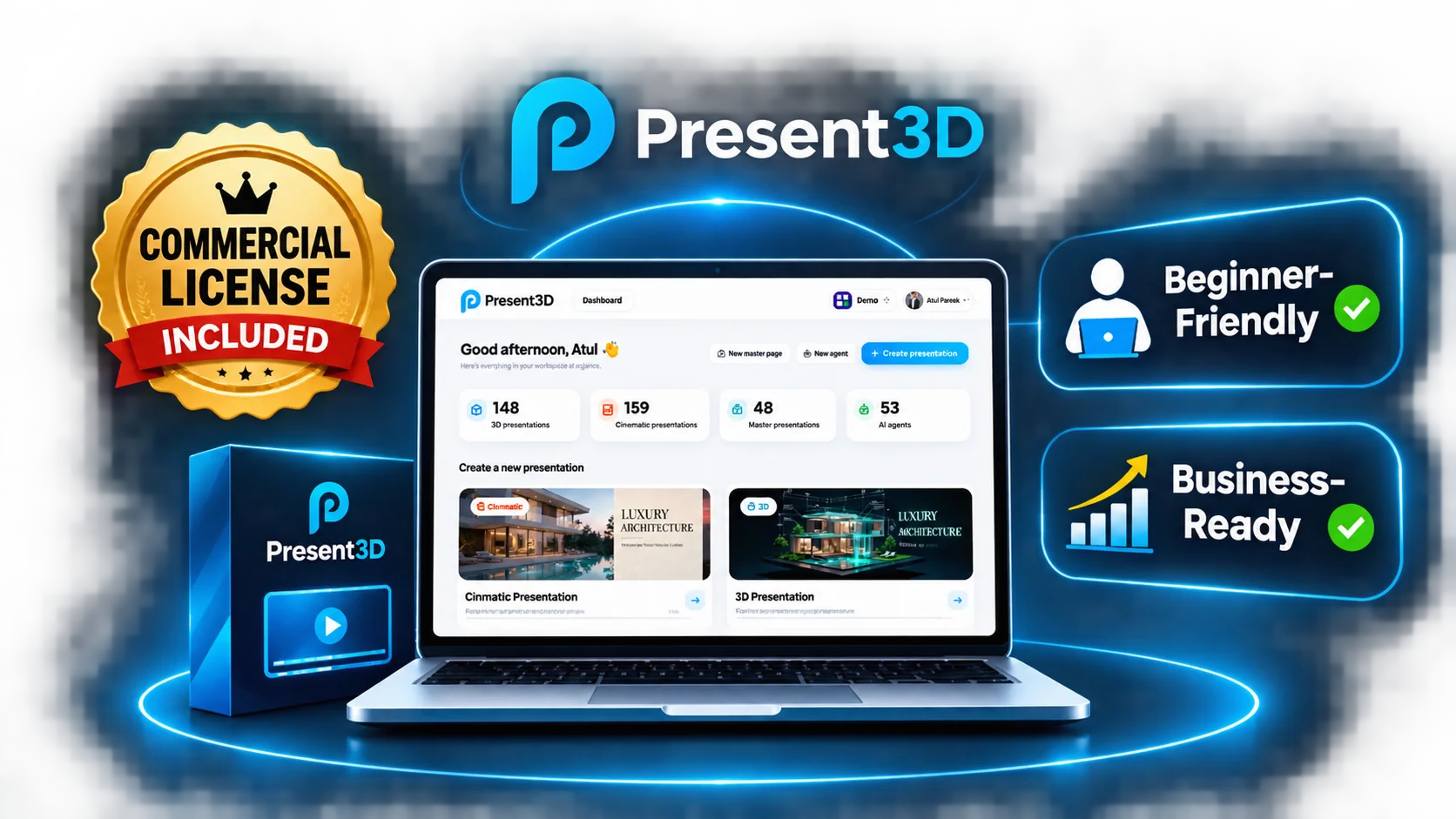
The dash. You arrive at a clean dashboard with counters for 3D presentations, Cinematic presentations, Master Presentations and AI agents, as well as your recent projects, tagged Live or Draft. The menu is divided into Present (Presentation, Agent, Master Presentation), Grow (CRM) and Account. Under settings you will find Workspace, Integration, Tutorials, Bonuses and Support. There is also an Agency area, DWY and a Lead Finder tool.
Two modes of presentation. 3D Present has two formats . A Cinematic Presentation is trailer-style storytelling with AI-painted images, big glowing titles and cinematic cuts for pitches and launches. A 3D Presentation puts slides into 3D space, with animated scenes, depth and camera movement. Some of the 3D slides in the demos contain objects that can be dragged to rotate and scrolled to zoom, such as an exploded view of a plumbing pipe assembly. So the nickname of "3D" isn't just a buzzword.
Making a presentation. The create screen asks how you want to start: With AI (describe your topic), From a URL (any public web page) or From a PDF (files up to 50 MB). Choose the language and tone, set the number of slides with a slider and click Generate. You get a live preview panel showing a summary of your choices and a thank you slide is automatically added at the end. The app drops you right into the editor while the AI builds the slides. The same panel also has a "presentations this month" counter, and the demo account said "16 of 100 made", so expect a monthly limit on creation on at least some plans.
"Initialising AI agent. The agent is set up separately. You name and describe it, select an avatar from the library or upload a photo of one person looking at the camera (JPG, PNG or WebP up to 8 MB, which takes a few minutes to process), choose a voice and write a prompt describing its role. The agent page shows its active hours (demo agent ran Monday to Friday from 6:00 to 20:00) and the AI model behind it, GPT-4o mini in the demo,Once published. The agent is embedded in its presentation and does not have a separate chat link. The avatar waves as the presentation opens, stands in the corner, then moves to the chat and reads each response aloud.
What the viewers see. The presenter shows up in a round video window next to the slides, and introduces itself with subtitles running underneath. Viewers can turn on/off voice-over and captions, browse slides and open the chat at any time. The presentation is paused while the agent responds. There is a thank you screen at the end with an AI generated key summary in a PDF download and a "Stay in touch" form with name, email and phone number.
CRM and leads. The CRM has 3 tabs: Conversations, Leads and Feedback. Everything feeds into that. The leads table includes name, email, agent who captured the lead, date, status and stage and exports to CSV. The Conversations tab stores full chat logs so you can see exactly what each prospect asked and shared.
Share. Each published presentation has a Share panel with a link, embed code (responsive 16:9 or fixed height) and a QR code that can be downloaded as PNG or SVG. Quick-share buttons for Facebook, X, LinkedIn, WhatsApp, Telegram, Snapchat, Instagram, Reddit, TikTok and Messenger. Options to unpublish or use private links.
Master Presentations. You can select several presentations, decide on the order and publish them as a playlist with thumbnails along the bottom. This is good for multi-part courses, service menus or property portfolios.
Who Present 3D Is For and What It Can Do for You
The biggest advantage is time. To manually create a narrated, interactive presentation you need to combine a slide tool, an avatar video tool, a chatbot and a form builder. Present 3D brings all those pieces into one dashboard where one presentation can be an explainer, FAQ, and lead magnet all at once.
These users are best suited:
- Local businesses who want a guided walk-through of their service.
- Coaches and course creators who are looking for multi-chapter narrated lessons
- Freelancers and small agencies looking to sell interactive presentations
- SaaS founders and marketers seeking product walkthroughs that convert leads
If you mostly need polished slides for live meetings, it’s a weaker match.
About the seller
Present 3D is the brainchild of Dr. Amit Pareek and Atul Pareek who claim to be JVZoo top sellers, including a “JVZoo Top #4 Seller of the Year 2025” tag. Previous launches include Agent Jarvis AI, TubeClaw AI, Synthetic AI, Prezent IQ, InstaEngine AI and TubeEngine AI. Support is provided by Oppyo, their software company, with a 24x5 support team.
One point is worth noting. The same vendors launched Prezent IQ in March 2026, also built around transforming prompts, URLs or slide files into AI-avatar presentations with chat, lead capture and a CRM. With the new 3D and Cinematic styles, present 3D feels like the next step of that idea. If you already have Prezent IQ, compare the two before buying as a good part of the core overlaps.
Things to think about before you buy
Now no launch sales page is neutral, so here is what I would check very closely in this Present 3D review.
There’s a definition of “lifetime.” According to the FAQ, lifetime access means the lifetime of the product, which is estimated by the vendor to be approximately five years of support . That's a fair disclosure, but it's not for ever.
No limits are mentioned on the front end. Credits are included but the amount is not specified. The app keeps track of presentations per month. So expect the front end to be limited, OTO 1 exists to remove caps.
Heavy AI work is pay as you go. There's a charge for running avatar videos, voice cloning, AI pictures and chat responses. One-time price “unlimited” usage depends on the vendor continuing to pay for that compute.
No marketing statistics are cited. The sales page has 2X more engagement, 70%+ stronger brand trust and 65% more viewer actions vs static slides. An upgrade page claims 92% of members upgraded. There is no source for any of these.
All company names and logos are used for identification purposes only. The sales page has names like Tony Robbins, Elon Musk and Alex Hormozi and a Forbes headline picture. There is nothing on the page to suggest any of them use or endorse Present 3D.
"Ready in seconds" needs editing. The AI draft is quick, but a presentation you would put in front of clients still needs checking and polishing. Present 3D is a presentation tool, not a program for 3D modelling.
Income claims are estimates only. The $500 to $2,000+ per project numbers are what the vendor recommends you charge clients. The site’s own disclaimer states the product does not come with an income guarantee.
Advantages and Disadvantages
Advantages:
- Generate presentations from a prompt, a website URL or a PDF
- Two distinctive styles: Cinematic and 3D, 3D scenes are rotatable
- AI Avatar Narration, Subtitles and interactive chat in one place
- Built-in CRM with leads, chat transcripts and feedback with CSV export
- Powerful sharing options: link, embed, QR code and quick share buttons
- $37 front end with commercial licence and 30 day money back guarantee
- The Bundle Deal saves you real money if you want the major upgrades
Cons:
- monthly presentation counter, front end credit amounts not disclosed
- "Lifetime" means about 5 years of support
- No sources for marketing statistics
- Which email tools and webinar platforms it integrates with is unclear
- Extra Apps for the Mega Bundle not yet listed
- Core idea aligns with vendors' previous launch of Prezent IQ
So which one should you pick?
If you just want to test the idea, the front end alone is a low-risk way in for $37 ($27 with BLACK10). If you are planning to use Present 3D on a weekly basis, add OTO 1 Unlimited, that's where the caps come off.
Option 2 is the better deal if you know you want Unlimited plus at least one of Enterprise, Automation or Agency. The Bundle is cheaper than the front end plus Unlimited plus any two other upgrades purchased separately, at $267 with BLACK100. This is the route agencies should take.
Only sign up for Done With You if you don’t have time to build your first agent and only look at the Mega Bundle when its page lists the apps included.
Present 3D Review - Frequently Asked Questions
Is Present 3D a one time payment?
Yes. All products in the funnel including the Bundle Deal and Mega Bundle are one time payments during the launch.
Can I use it on client projects?
Yes. The front end is under a commercial licence. To create client accounts and white label the platform, OTO 4 Agency or Bundle Deal is required.
Do you have a return policy?
Yes. 30-day money-back guarantee. You open a support ticket and request a refund within 30 days of purchase.
Final Judgement
Present 3D is a lot of everything in one dashboard. AI generated slides in Cinematic or 3D style, talking avatars, voice cloning, an interactive chat agent, lead forms and a CRM all built from a prompt, a link or a PDF. That combo is useful for local businesses, coaches and small agencies that want presentations to explain an offer and collect leads on their own. The entry price of $37 with a 30 days guarantee make it easy to try.
There are trade-offs, of course. The front-end limits are not disclosed, “lifetime” means something like five years, and the headline stats are marketing not evidence. My advice to wrap up this Present 3D review: if you’re curious, begin with the front end, if you know you’ll be using it seriously, go for the Bundle Deal, and judge the tool by what you build in your first week, not the sales page.
Comments
Join the discussionNo comments yet. Be the first to comment.